タイトルバー及びアクションバーの非表示
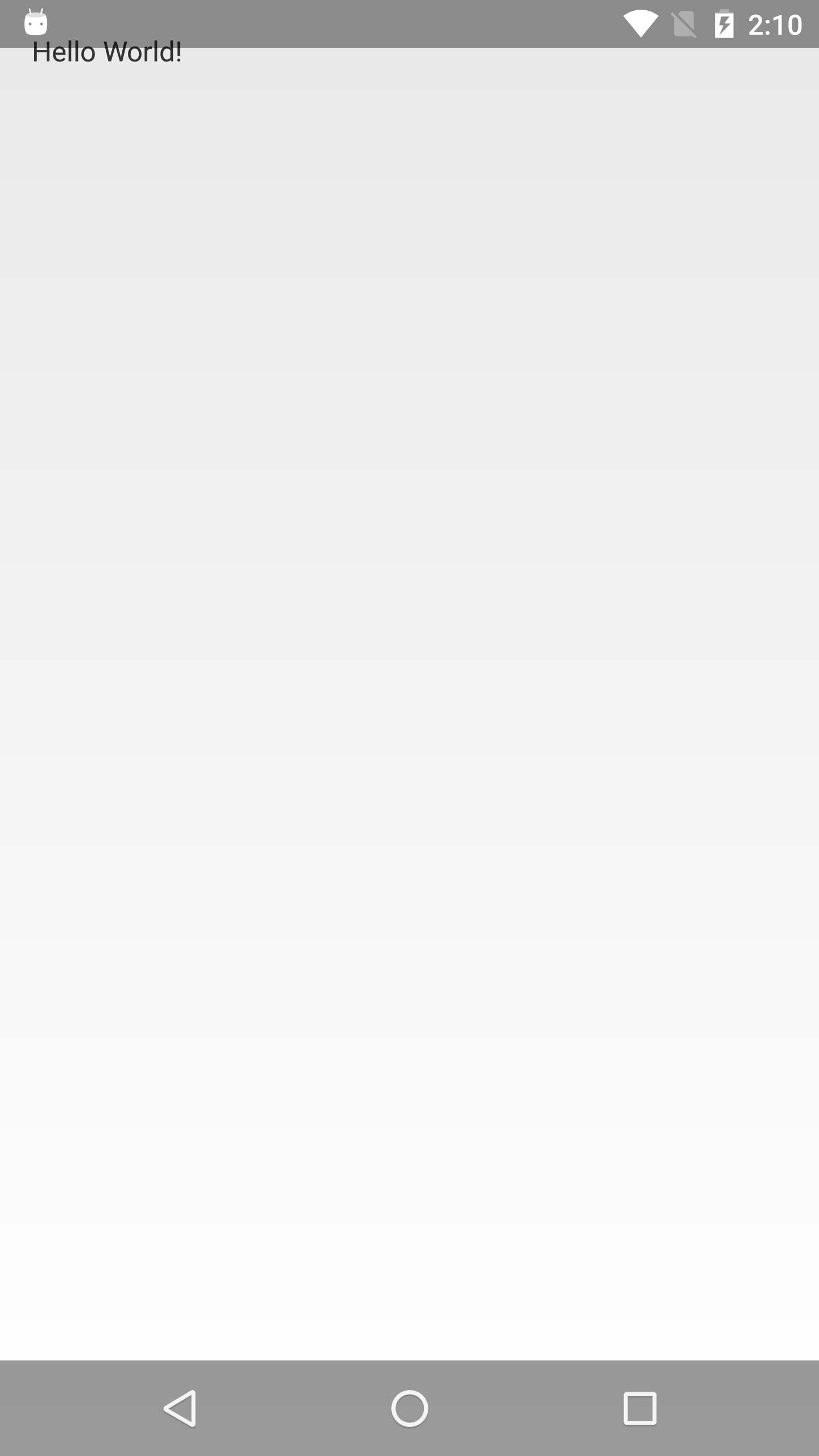
Androidアプリでステータスバー、タイトルバー、ナビゲーションバー、アクションバーを基本的に非表示とする設定を書いていきます。
Manifest.xmlを開いてapplicationのandroid:themeを語尾に”.NoTitleBar.Fullscreen”のついたThemeを設定します
Manifest.xml
<?xml version="1.0" encoding="utf-8"?>
<manifest package="jp.co.fullscreen"
          xmlns:android="http://schemas.android.com/apk/res/android">

    <application
        android:allowBackup="true"
        android:icon="@mipmap/ic_launcher"
        android:label="@string/app_name"
        android:theme="@android:style/Theme.NoTitleBar.Fullscreen">
        <activity android:name=".MainActivity">
            <intent-filter>
                <action android:name="android.intent.action.MAIN"/>

                <category android:name="android.intent.category.LAUNCHER"/>
            </intent-filter>
        </activity>
    </application>

</manifest>
もし自分でカスタムしているThemeを使っていた場合は、styles.xml(テーマ定義場所)のparentの語尾に”.NoTitleBar.Fullscreen”をつければ適用されます
Manifest.xml
<?xml version="1.0" encoding="utf-8"?>
<manifest package="jp.co.fullscreen"
          xmlns:android="http://schemas.android.com/apk/res/android">

    <application
        android:allowBackup="true"
        android:icon="@mipmap/ic_launcher"
        android:label="@string/app_name"
        android:supportsRtl="true"
        android:theme="@style/AppTheme">
        <activity android:name=".MainActivity">
            <intent-filter>
                <action android:name="android.intent.action.MAIN"/>

                <category android:name="android.intent.category.LAUNCHER"/>
            </intent-filter>
        </activity>
    </application>

</manifest>
styles.xml
resources>
    <!-- Base application theme. -->
    <style name="AppTheme" parent="@android:style/Theme.NoTitleBar.Fullscreen">
    </style>
</resources>
Actionbarを使っている人の場合NoActionbarを使います
style.xml
<resources>
    <!-- Base application theme. -->
    <style name="AppTheme" parent="Theme.AppCompat.Light.NoActionBar">
        <!-- Customize your theme here. -->
        <item name="colorPrimary">@color/colorPrimary</item>
        <item name="colorPrimaryDark">@color/colorPrimaryDark</item>
        <item name="colorAccent">@color/colorAccent</item>
    </style>
</resources>
これでタイトルバーとステータスバーとアクションバーは非表示にされます。
ナビゲーションバーの非表示
あとはナビゲーションバーですがView#setSystemUiVisibility(int)を使います
適当なview を取得してsetContentView()のあとに書いていきます
if (Build.VERSION.SDK_INT >= Build.VERSION_CODES.KITKAT) {
   findViewById(R.id.layout).setSystemUiVisibility(View.SYSTEM_UI_FLAG_FULLSCREEN | View.SYSTEM_UI_FLAG_HIDE_NAVIGATION | View.SYSTEM_UI_FLAG_IMMERSIVE_STICKY);
} else if (Build.VERSION.SDK_INT >= Build.VERSION_CODES.JELLY_BEAN) {
   findViewById(R.id.layout).setSystemUiVisibility(View.SYSTEM_UI_FLAG_FULLSCREEN | View.SYSTEM_UI_FLAG_HIDE_NAVIGATION);
} else {
   findViewById(R.id.layout).setSystemUiVisibility(View.SYSTEM_UI_FLAG_HIDE_NAVIGATION);
}
これですべて非表示になりました
ちなみにAPI19以上はナビゲーションバーまで非表示なので画面の一番上(下)から下(上)にスワイプすると薄めの表示が出てきて操作ができるようになってます。


それとこの設定はonResumeに基本記述します。onCreateだと他のActivityから戻ってくるとき設定し直さないといけないので設定前の状態になってしまいます。